

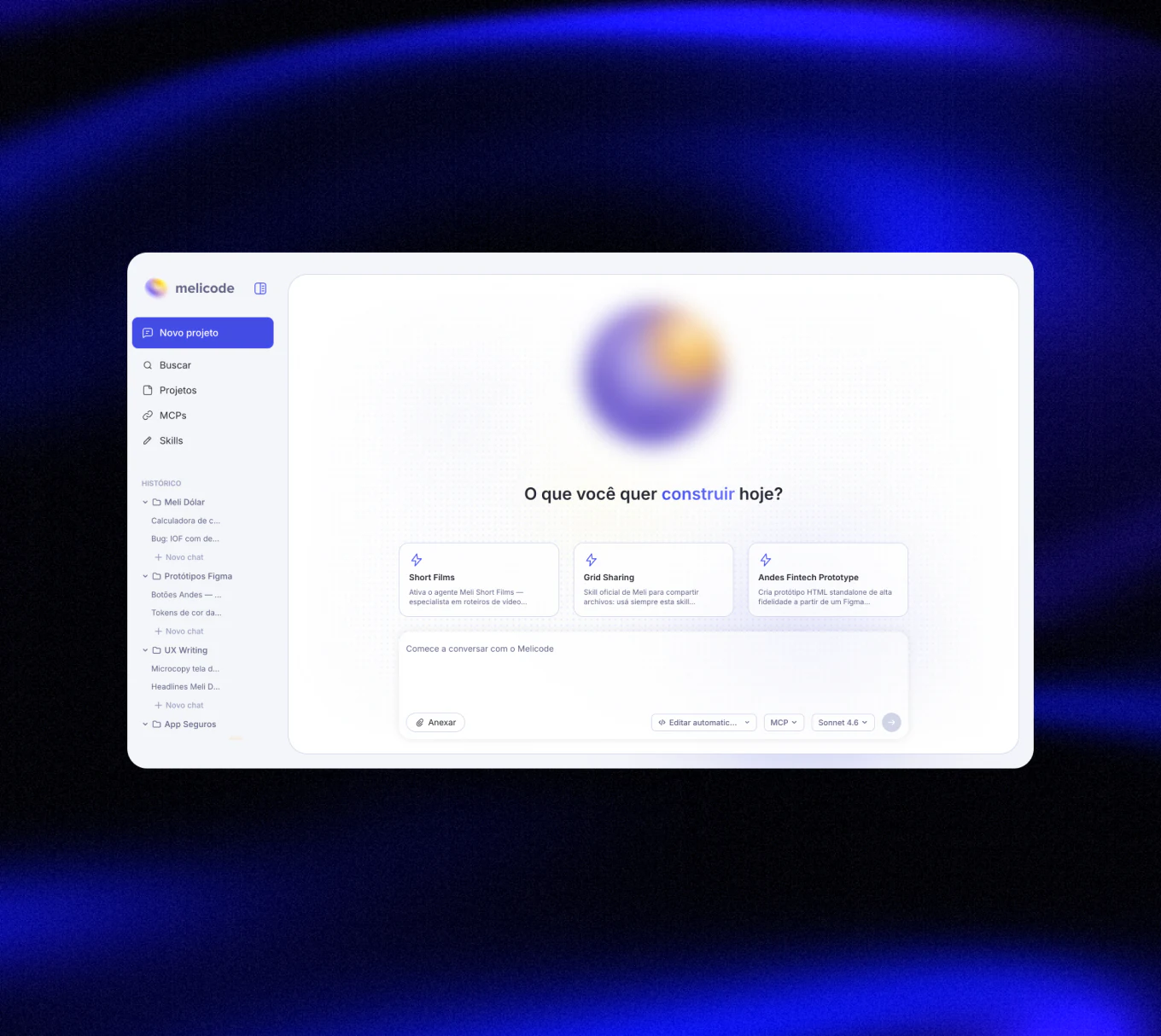
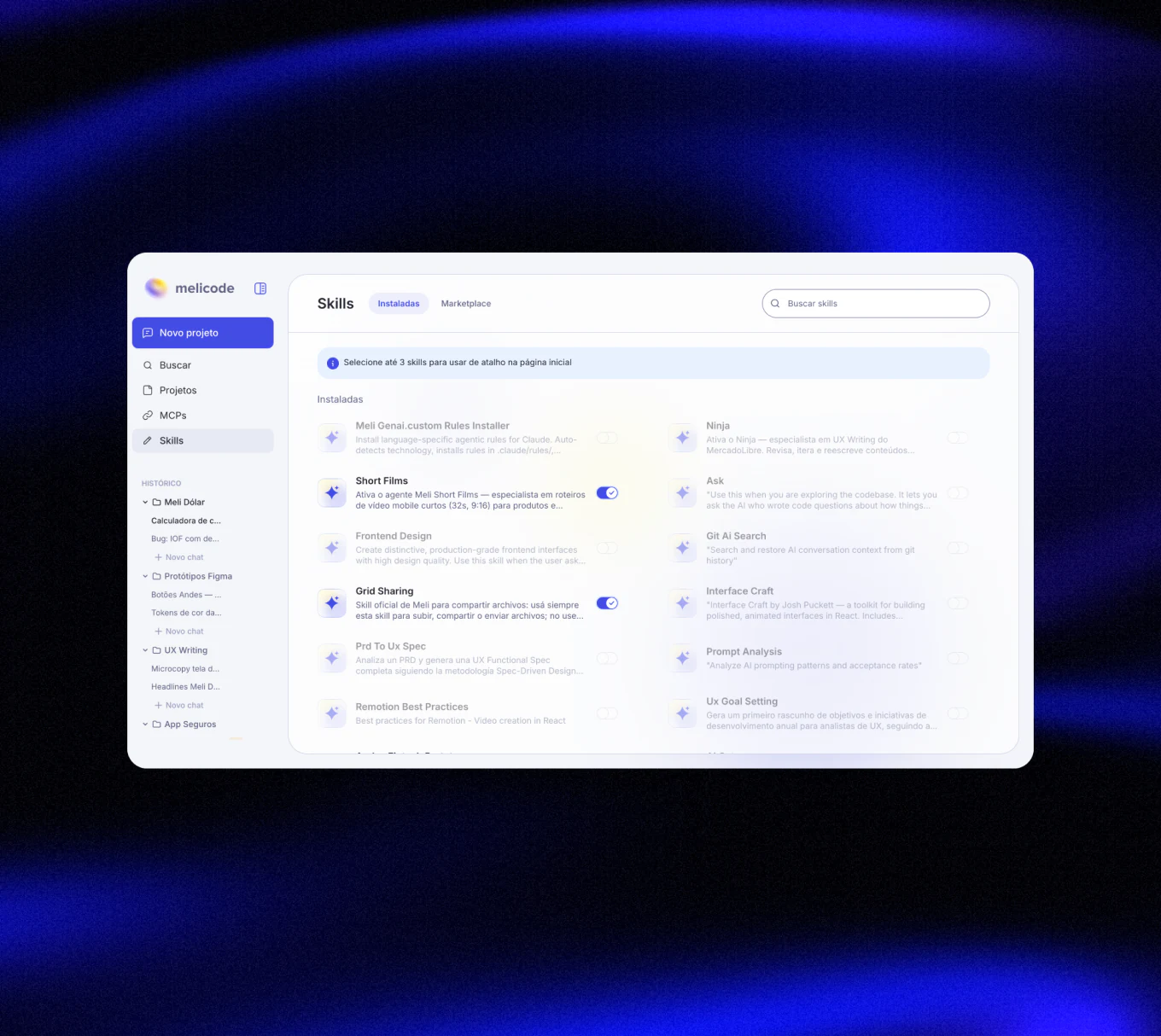
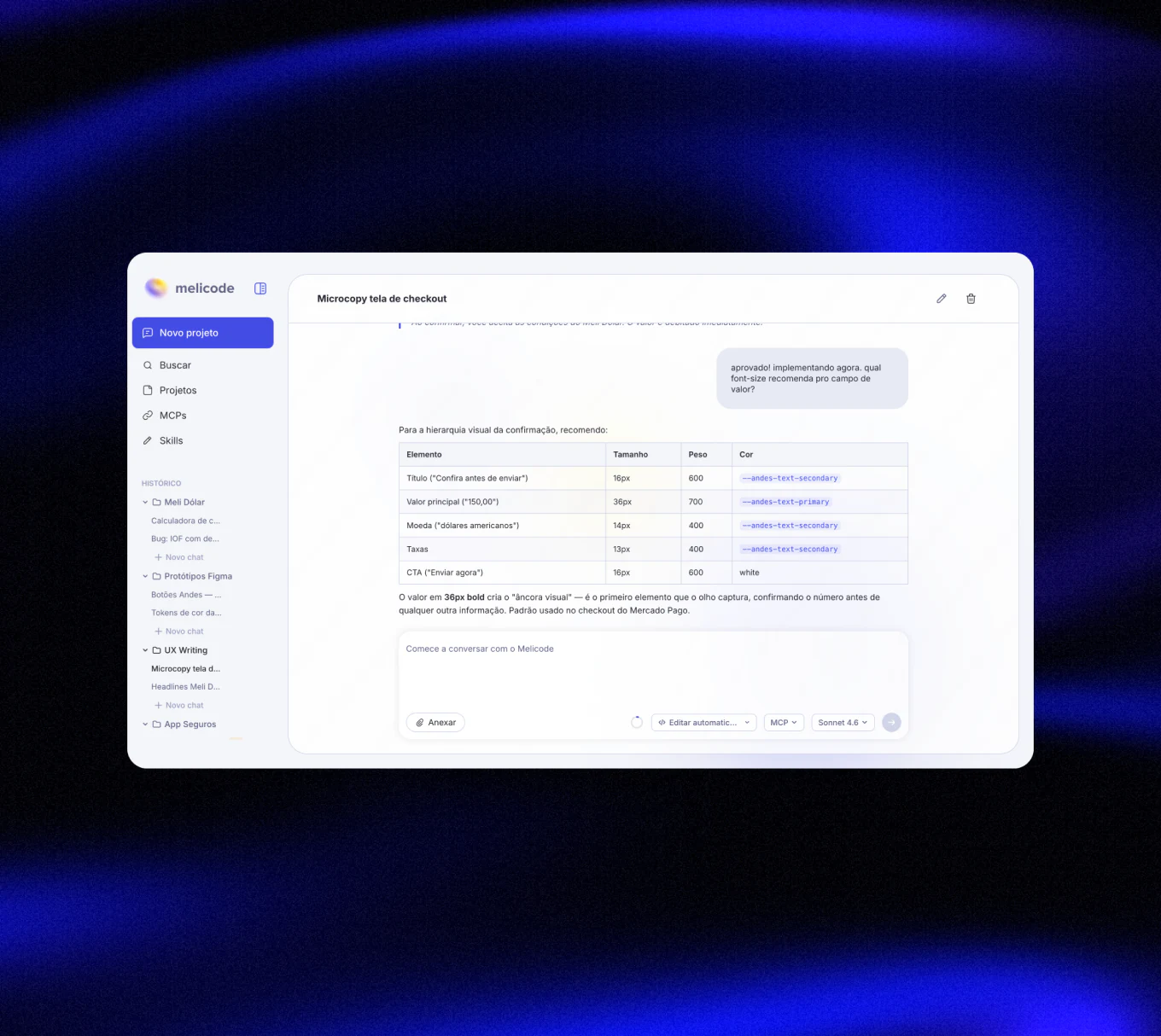
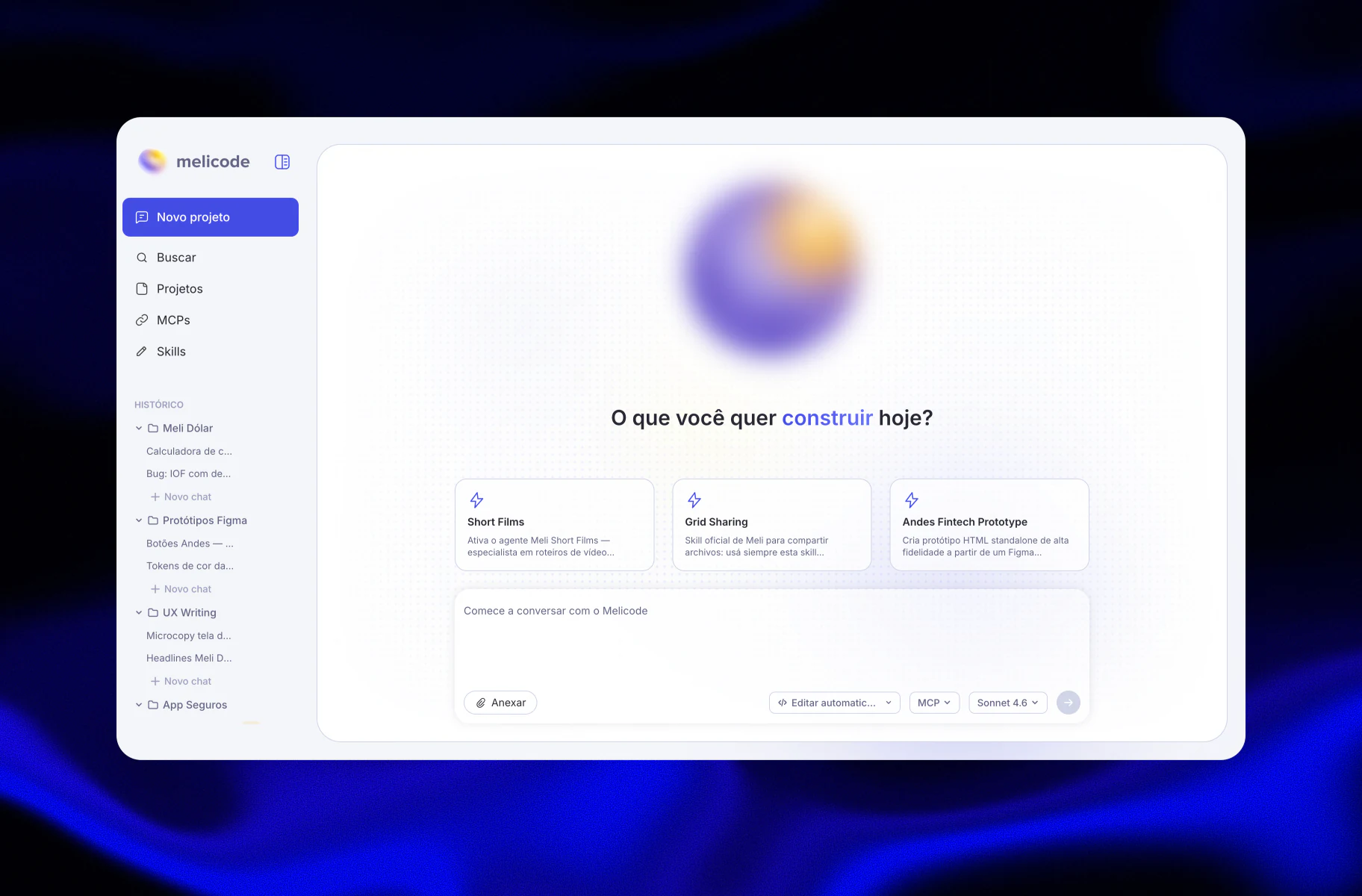
Melicode is a desktop app I designed and built to give Claude Code a proper graphical interface. What started as a personal frustration with a terminal-only workflow became a product experiment: could I use AI to build the very tool that would make AI easier to use?
OPPORTUNITY
The Constraint
At Mercado Livre, corporate accounts used to allow Claude Code exclusively via terminal. The enterprise contract covers API access directly, while graphical interfaces operate on a separate billing model.
The Real Friction
The terminal wasn't the problem. It was everything around it: history vanishing on tab close, context compaction erasing threads, manual folder management, skills installed by hand. A slow accumulation.

HOOD
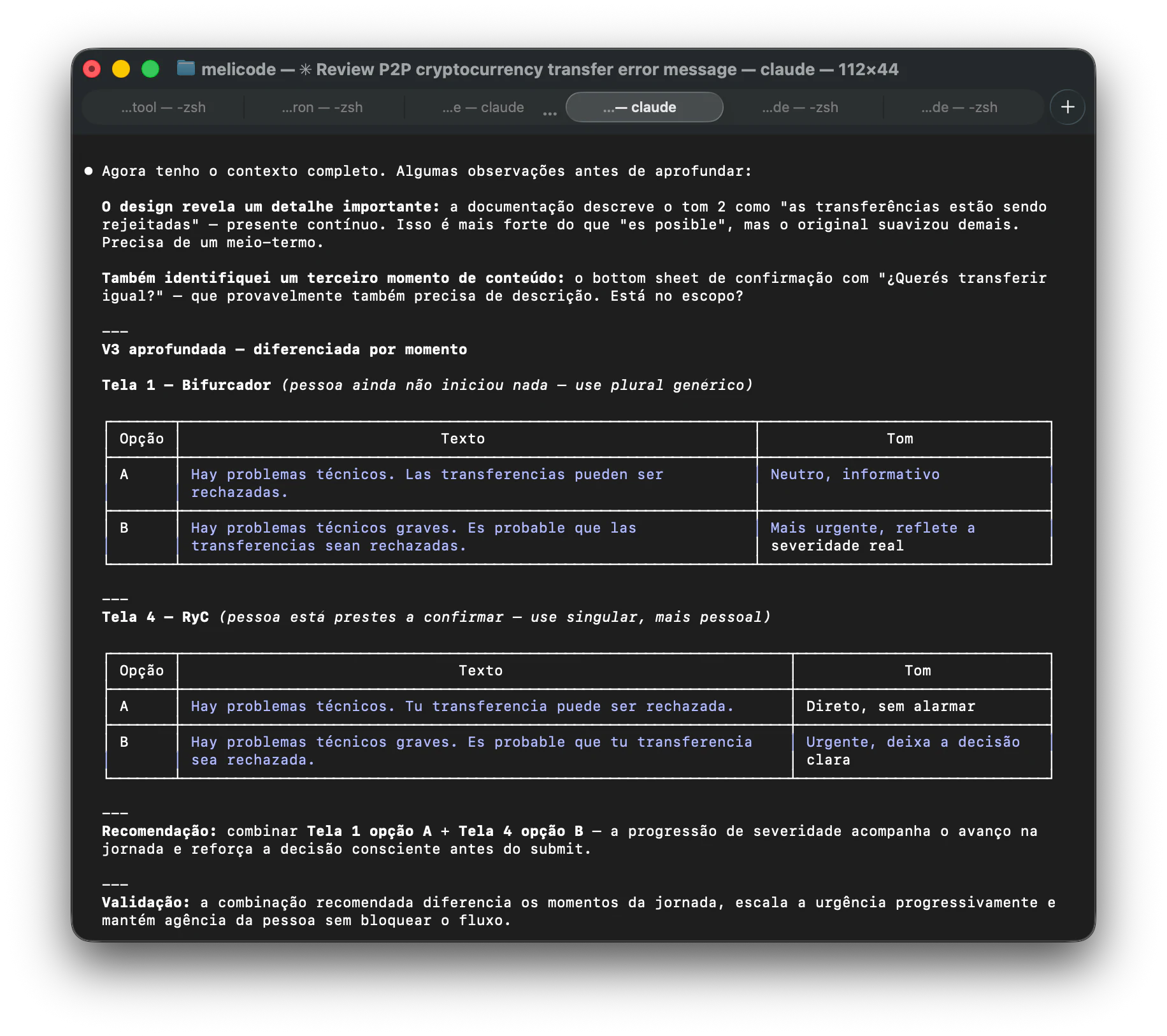
The core challenge was bridging a graphical interface with a CLI tool that was never designed to be wrapped. Melicode is an Electron app built with React and TypeScript. A Node server runs in the background and opens a WebSocket connection between the UI and the Claude Code CLI: everything you type in the interface is spawned as a child process in the terminal, and the output streams back to the screen in real time via stream-json.
The PTY Problem
Interactive terminals don't behave like regular processes — they expect a real TTY. To work around that, the server uses a Python PTY runner that emulates a terminal and writes to stdin automatically, making Claude Code believe it's running in a real shell session.
Zero lines written manually
The entire architecture — Electron shell, WebSocket layer, stream parsing, PTY bridge — was generated by AI. My role was knowing which questions to ask and recognizing when an output was technically valid but architecturally wrong.
AS METHOD
The interface was designed entirely by me in Figma, by hand. Since Melicode was intended as an internal Mercado Livre tool, I worked from the company's branding and design system components, making only small adaptations where the system was not enough for the functionality the product needed. Even as AI tools get better at generating screens, I still believe the shape, hierarchy, and taste of a product should come from a designer's judgment. What I took to Claude first was not the visual design, but the functional ambition: before turning the idea into a product, I used Claude to pressure-test whether the experience I had in mind was technically buildable. From there, I used Claude in my personal account, which had access to Claude's default client, to generate a PRD and iterate using the tool I was building.
Prompt as briefing
The Figma work defined the experience. Claude helped turn the functional intent behind it into a structured PRD.
Validation through usage
I validated outputs by using the product myself. When something felt wrong — like project management — I revalidated the assumption before iterating.
Technical decisions via conversation
"Can I do this with my current stack?" replaced the need for a dev partner. Every product idea that required a technical call went back to Claude first.
Correcting AI with product vision
The AI solved problems correctly, but not always well. Recognizing the difference between technically valid and product-right was my primary contribution.
FELL SHORT
The AI didn't fail at code — it failed at product thinking. Two corrections stand out.
Correction 01
MCP overload on startup
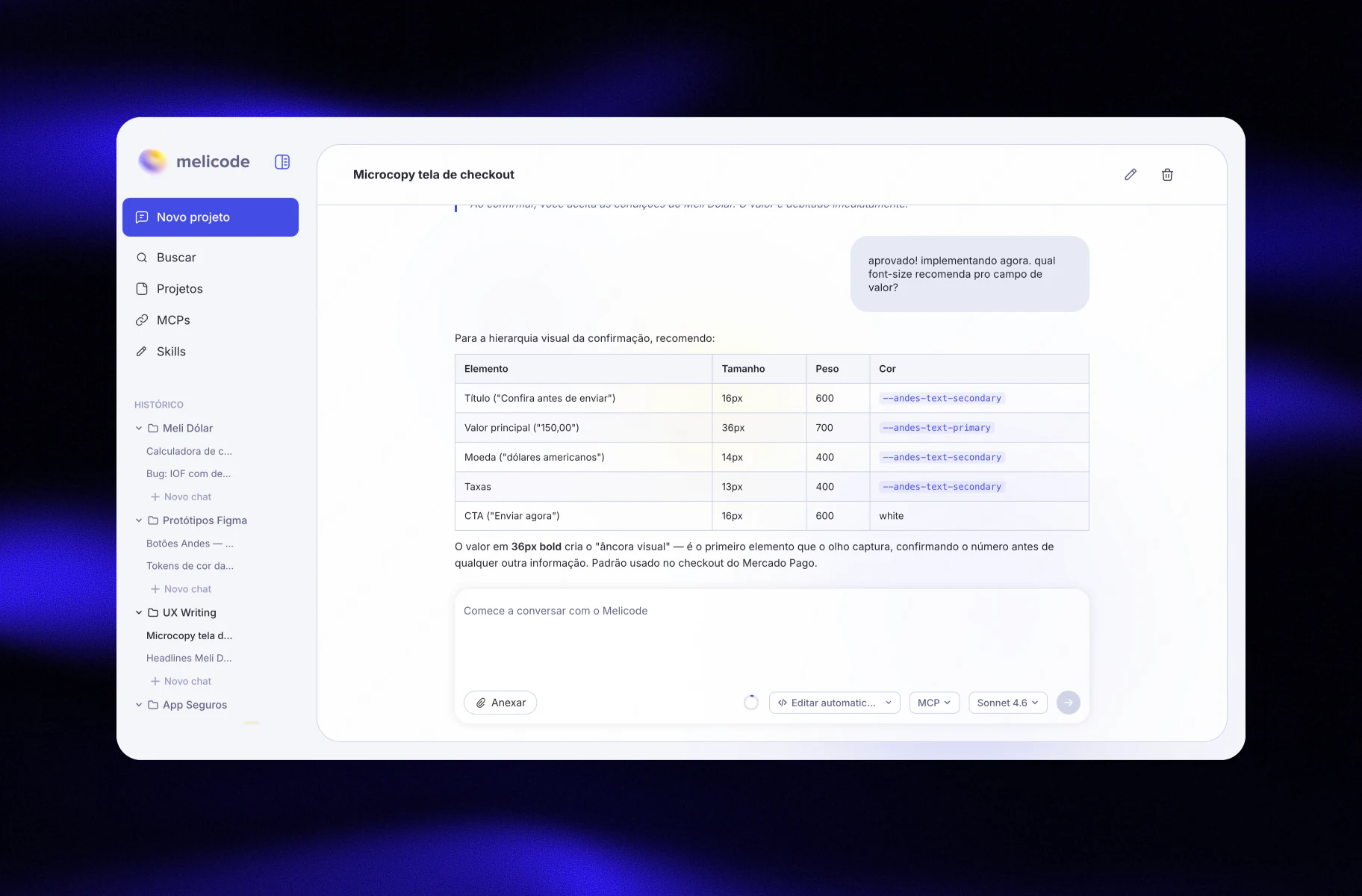
Every installed MCP loaded automatically. Response times were enormous. I redesigned this: users now load only MCPs relevant to the current project, with a separate global layer.
Correction 02
Single chat at a time
The first version blocked concurrent chats. After iterations, the app now supports multiple parallel chats — allowing independent contexts without losing thread.
DECISIONS
These weren't features the AI suggested, they were deliberate choices about how the tool should behave, not just what it should do.
Organization
Projects, not conversations
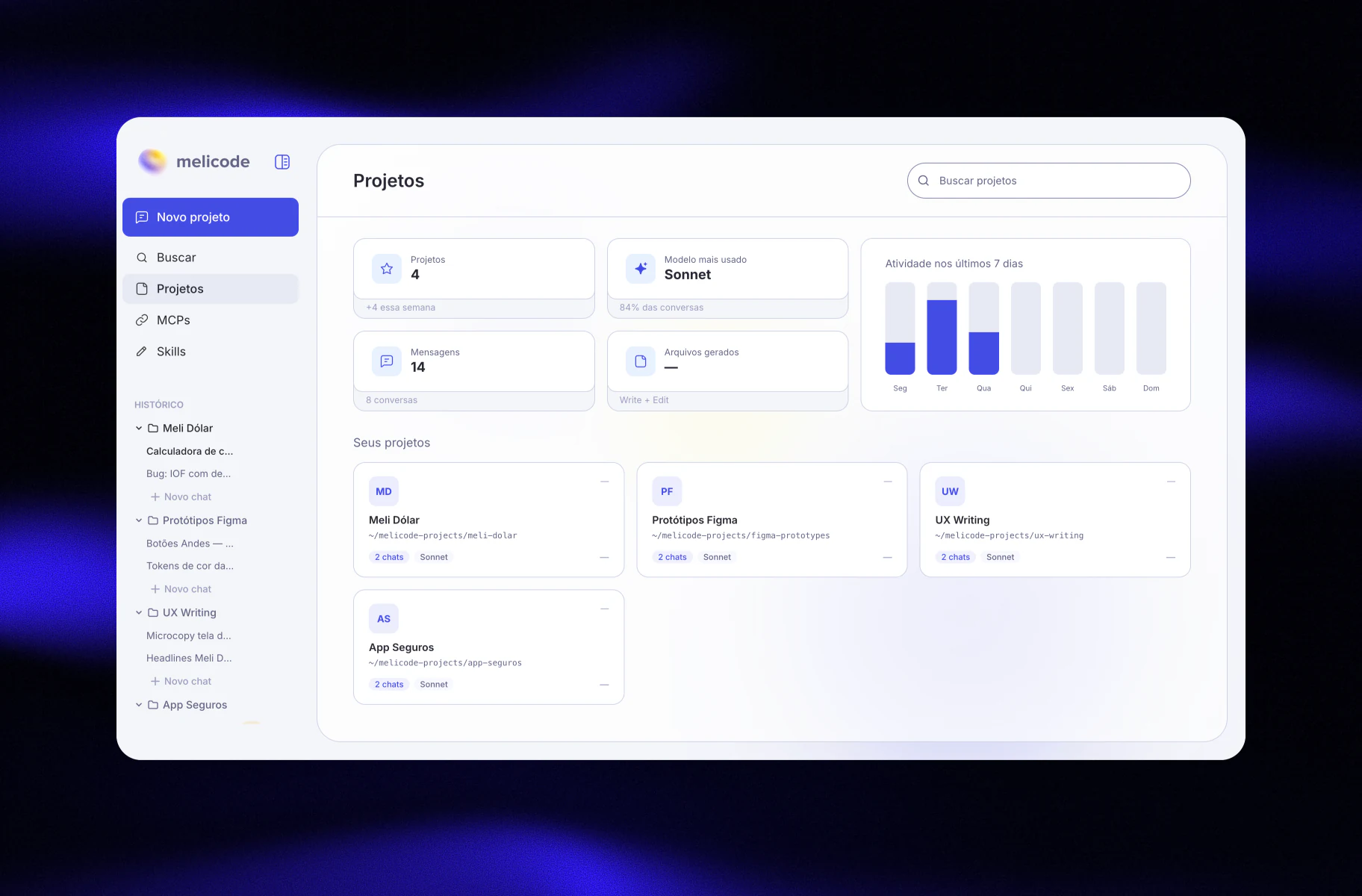
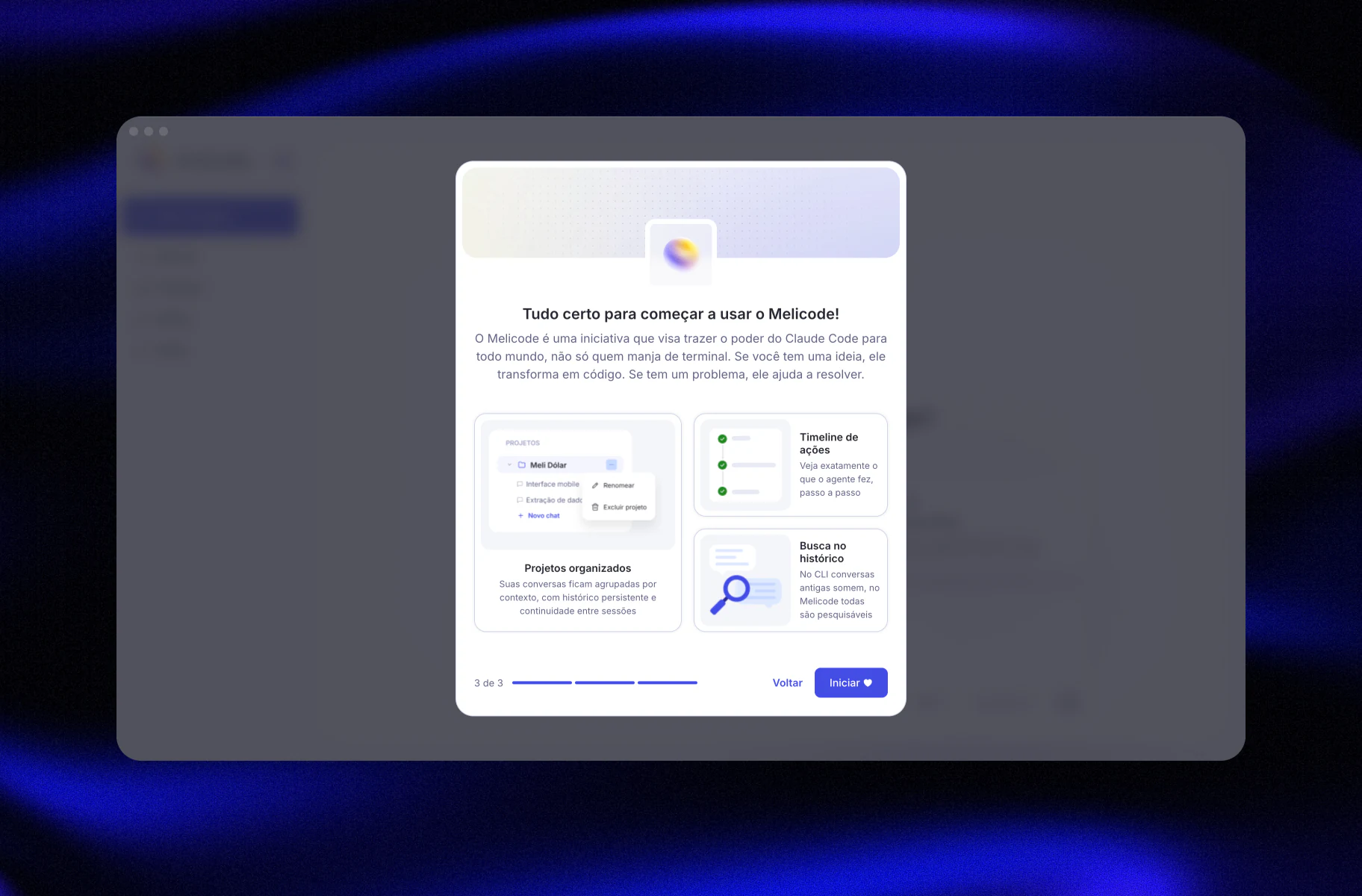
Each project maps to a physical folder, containing multiple chats with shared context. Standalone chats exist for one-off tasks. Mirrors how real work is organized.
Extensibility
Skill marketplace
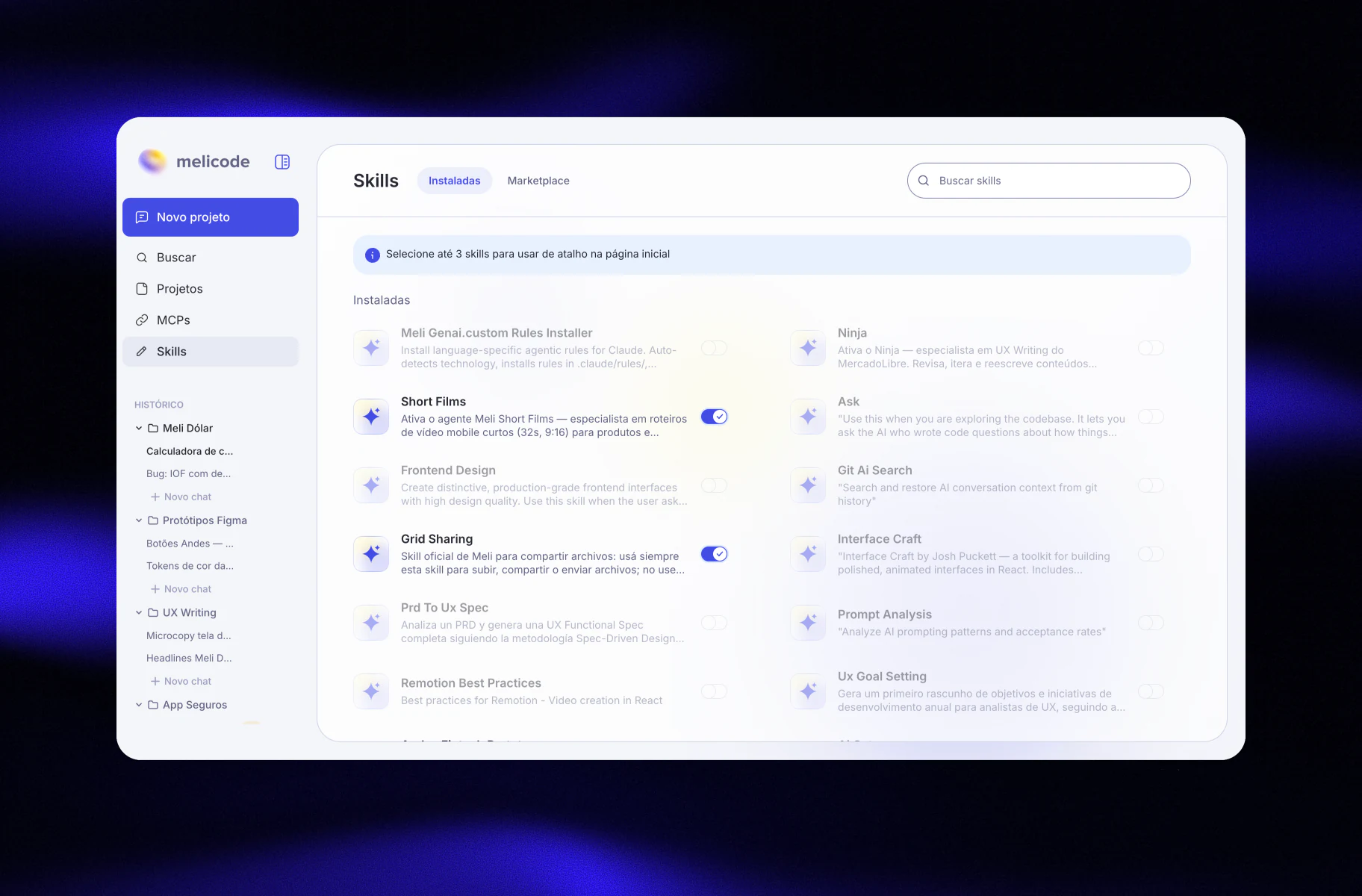
Integrated marketplace with one-click installation and per-project shortcuts. Extensibility treated as a product feature, not a dev task.
Analytics
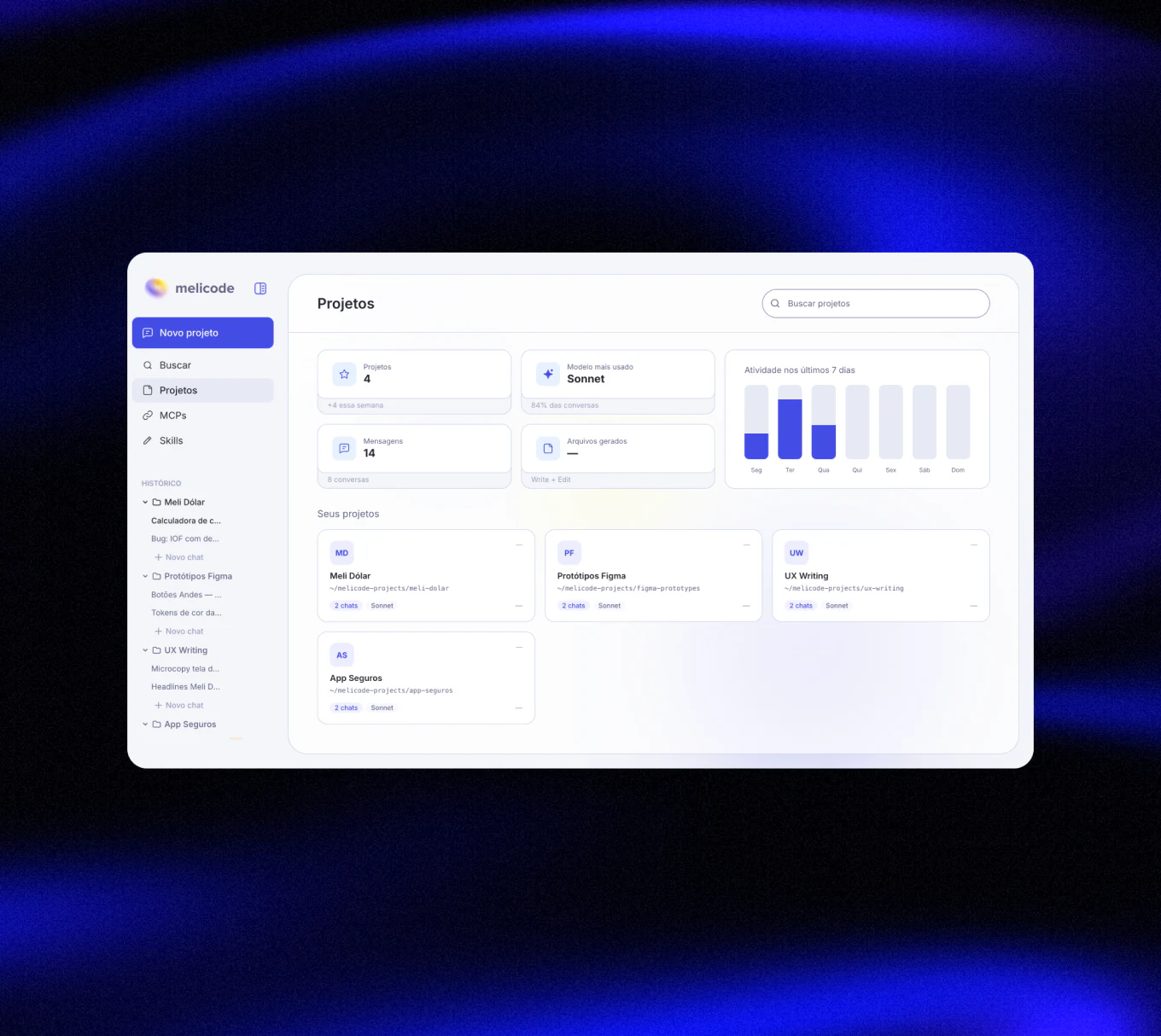
Track projects and usage in one place
A dedicated dashboard that users can monitor active projects, tool usage, and overall workflow performance in real time, designed to give visibility and structure beyond conversations.
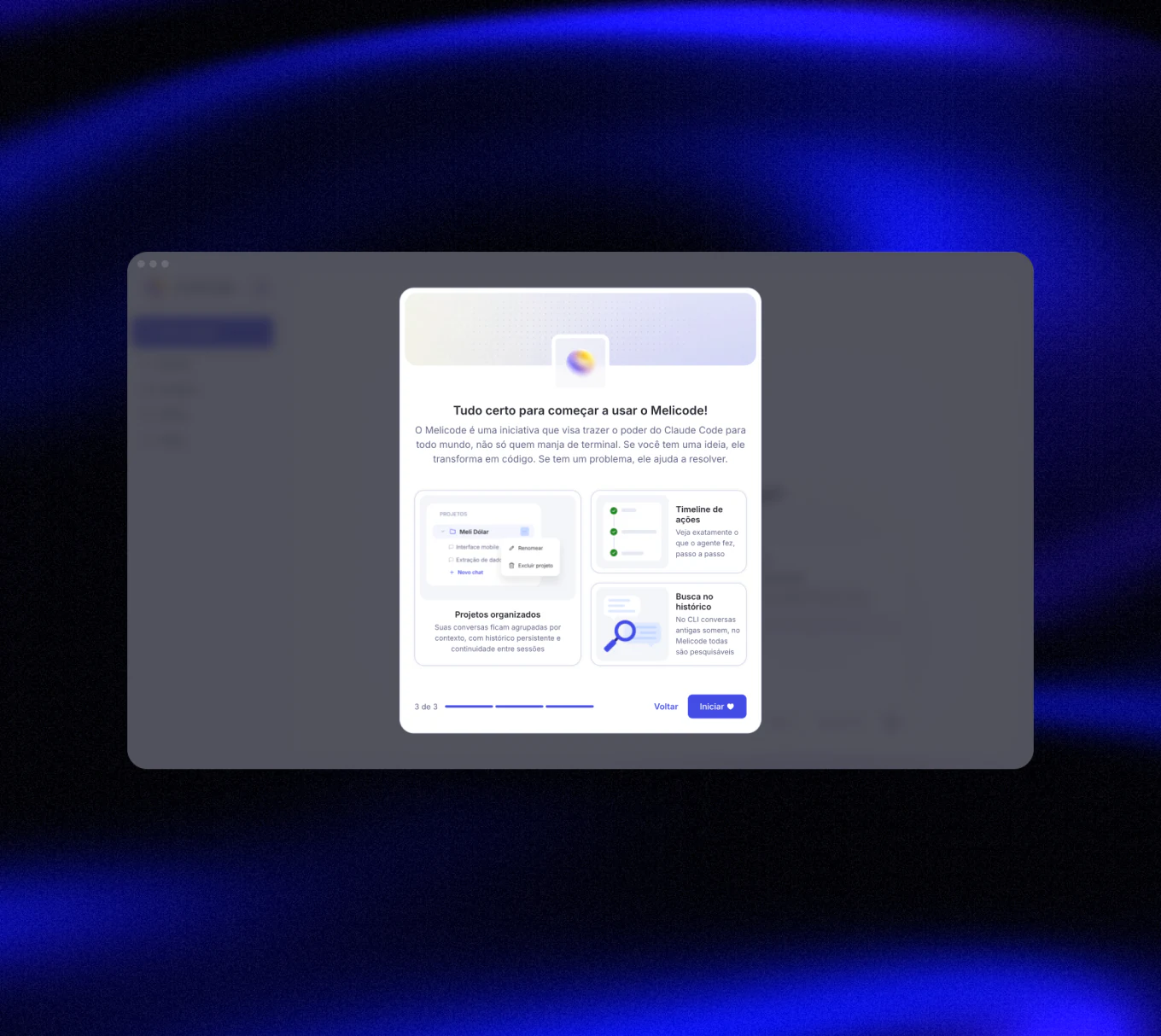
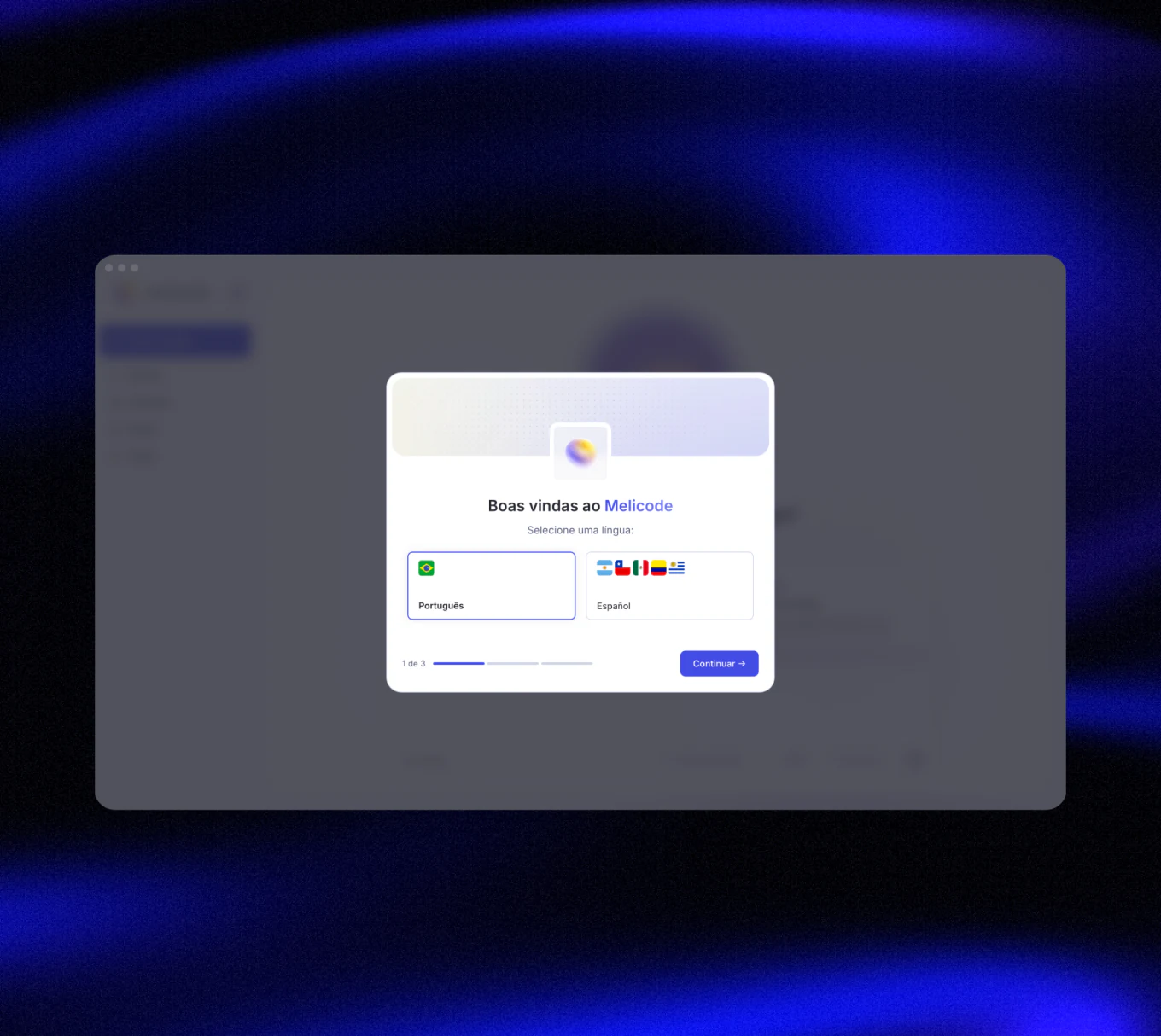
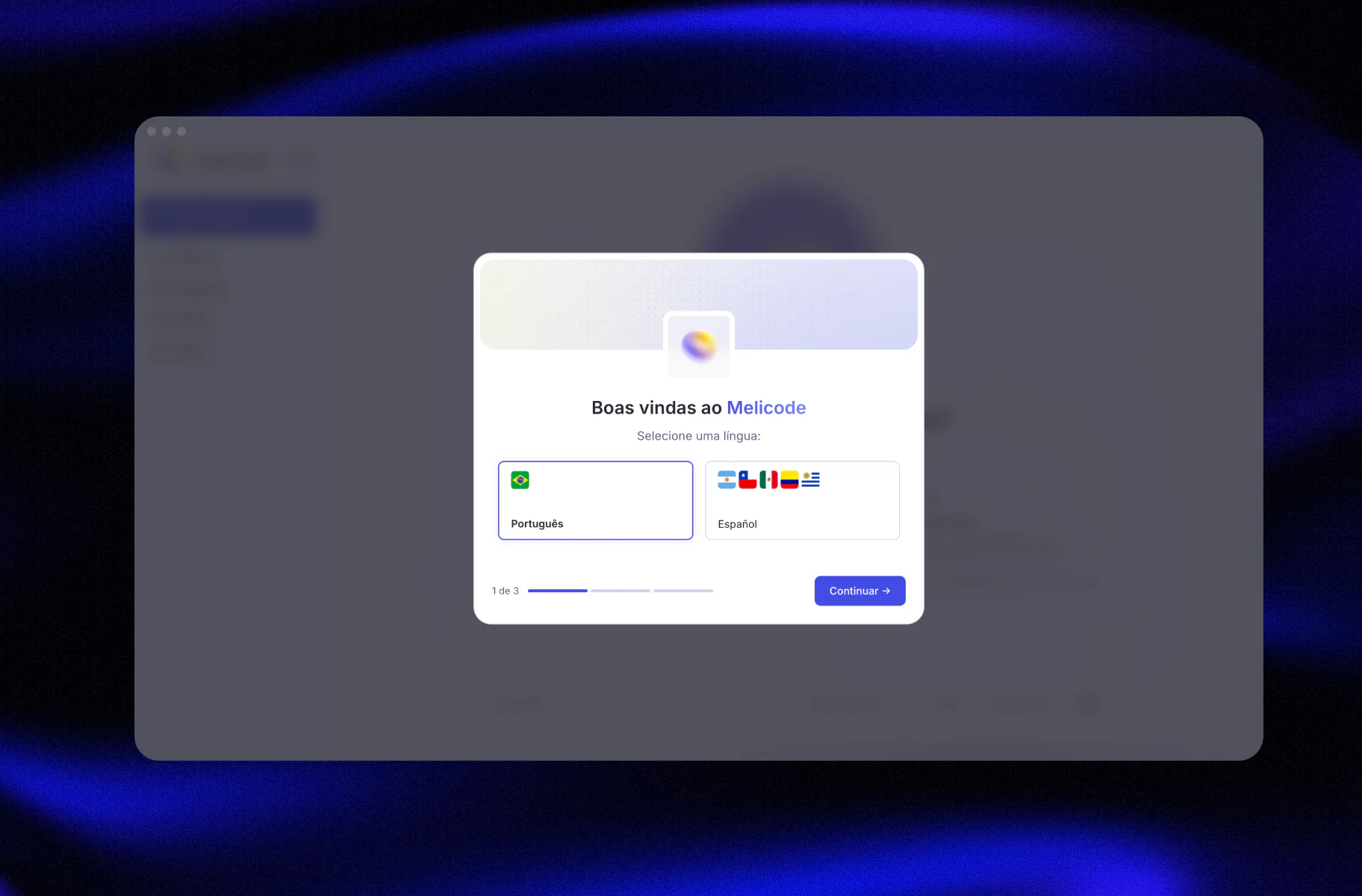
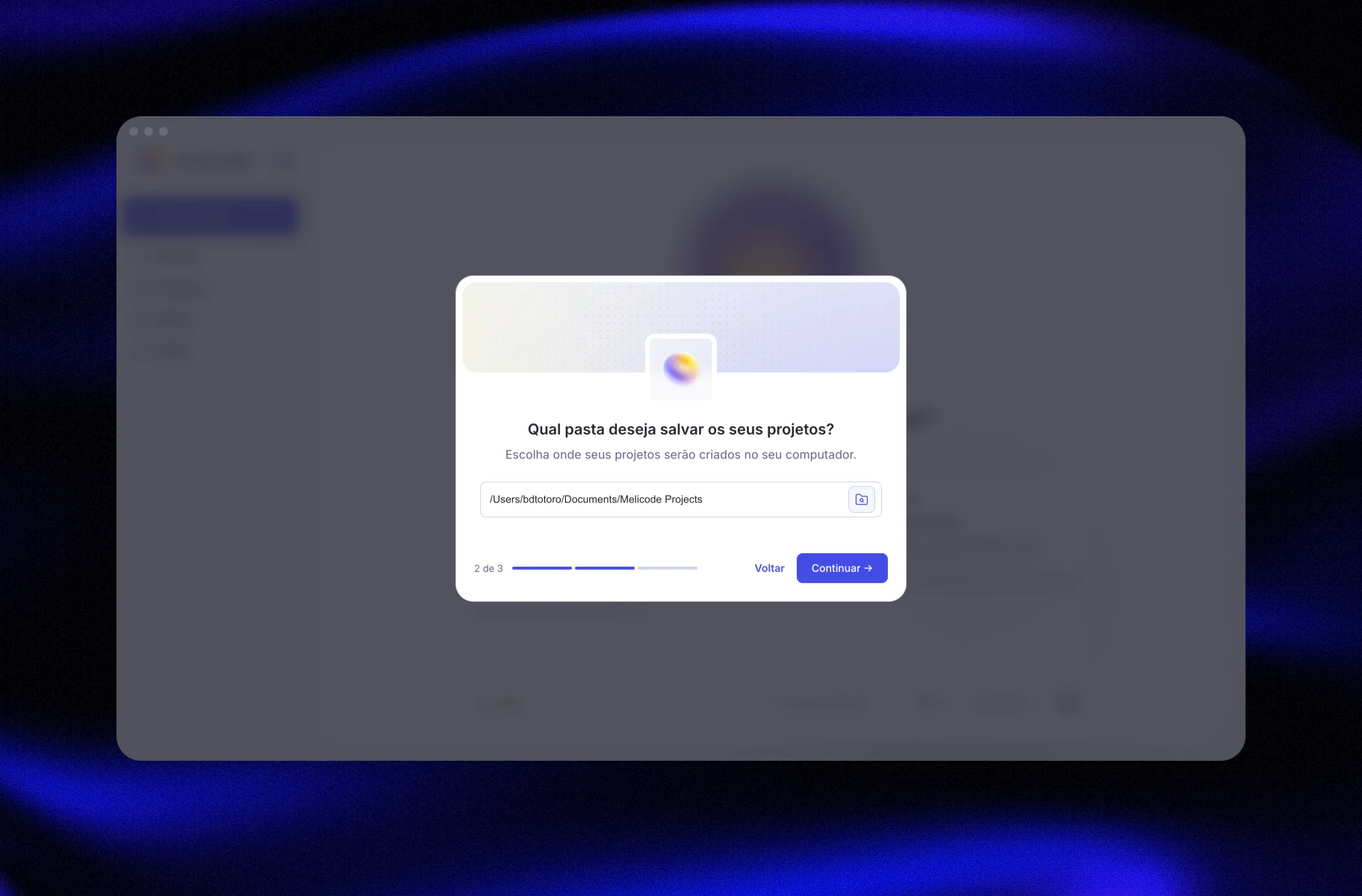
The onboarding flow helps users configure the app around how they work from day one. Users can define their preferred language, choose the root folder for projects, and get a lightweight introduction to the app's core concepts before starting their first workflow.
The most important design skill here wasn't visual, it was knowing when the AI's output was technically correct but product-wrong. That gap is where the designer lives.
The project ended with an irony: before Melicode could reach other teams, licensing changes allowed the official apps internally. The product was made obsolete. The learning wasn't.
AI gives people with limited technical background the ability to execute ideas that would otherwise be impossible. Not automation, but rather execution at a new ceiling. With that autonomy comes responsibility: I would never ship AI-generated code touching sensitive data without a security review first.
From product thinking to pixel perfect delivery
I design and ship high-quality interfaces across complex products, bringing visual craft and product thinking together from first frame to final delivery.

Got a project
in mind?
I'm always open to new projects, collaborations and opportunities. If you have something in mind, let's talk about it.